




Equipment
Getting setup on Zwift is easy. Zwift Ride is the dedicated indoor setup, ready to ride when you are and adjustable for multiple people. Or grab a smart trainer and unlock the Zwift experience on your outdoor bike.
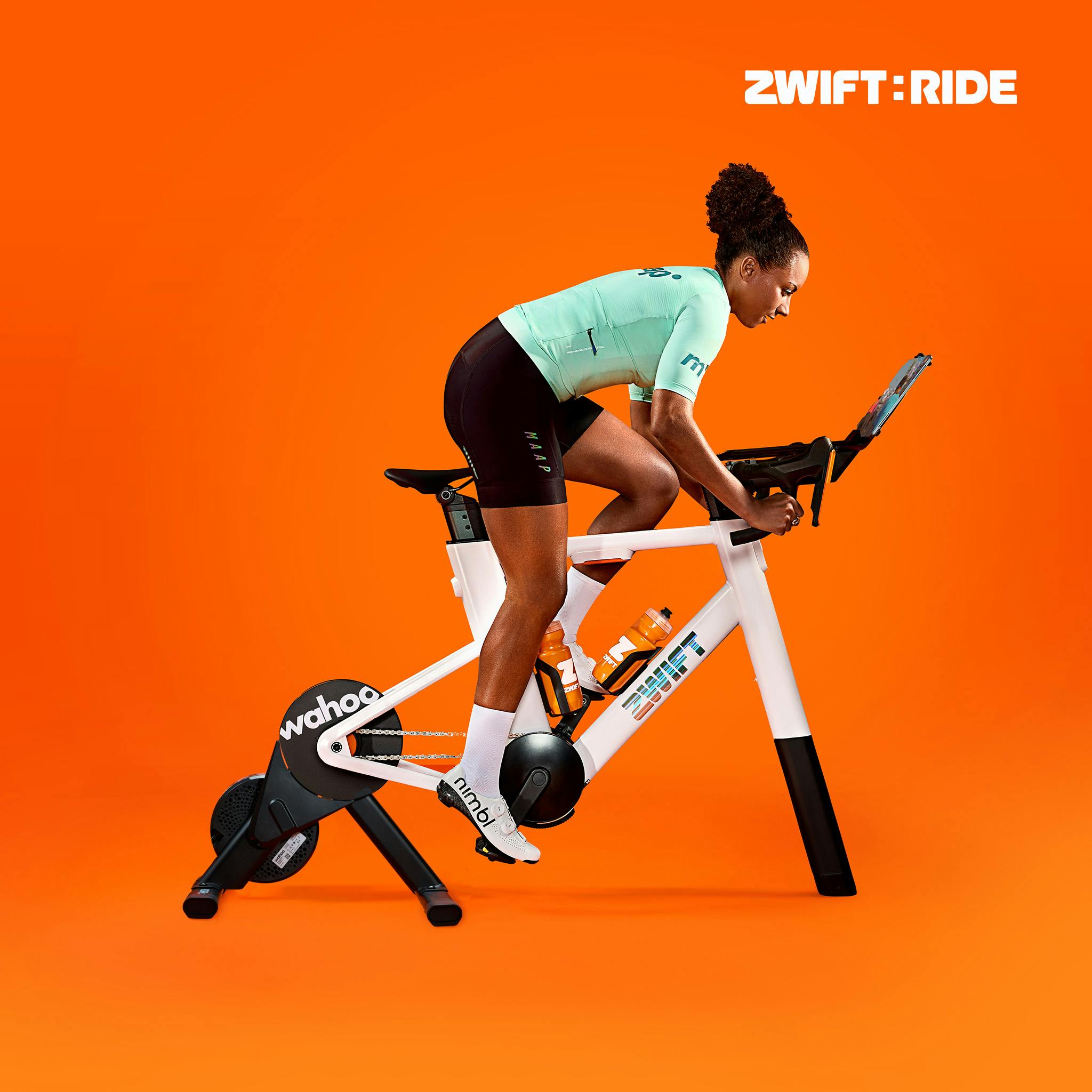
Zwift Ride
Zwift Ride is the all-in-one, always ready indoor cycling setup that unlocks the full Zwift experience.
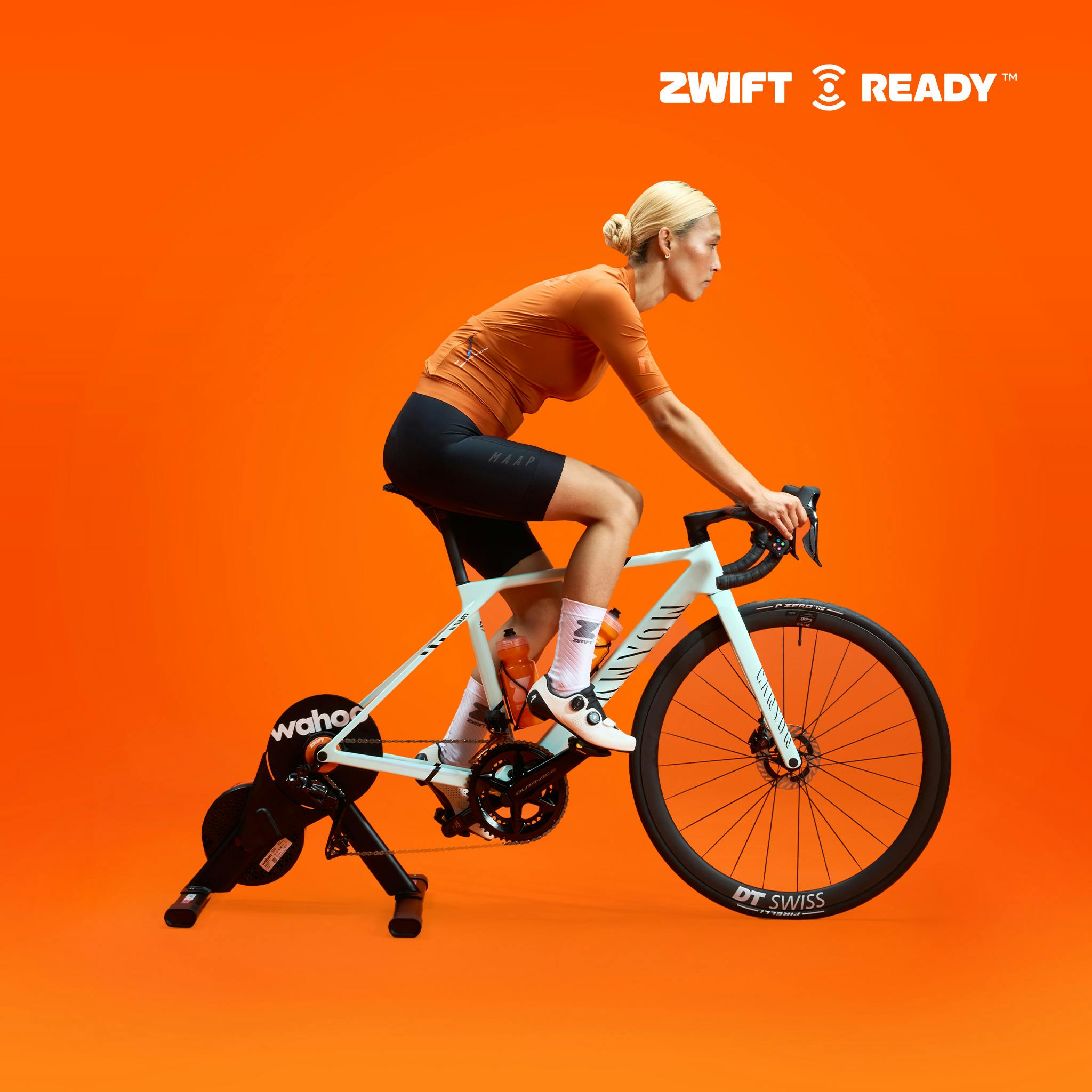
Zwift Ready Trainer + Bike
Transform your outdoor bike into your own indoor cycling setup by mounting the frame on a Zwift Ready smart trainer like the WAHOO KICKR CORE 2.

FAQ

Zwift gives you everything you need to ride, race, and train across 12 virtual worlds, with access to over 1,000 workouts.
Zwift Plus includes everything in Zwift, plus exclusive access to Zwift Coach and Zwift Video.
Eligible new customers get a 14-day free trial when signing up for a monthly Zwift or Zwift Plus membership. Whichever membership you choose, your trial includes full access to Zwift Plus so you can explore everything Zwift has to offer.
There’s no upfront cost, but a payment method is required. When your trial ends, you’ll automatically be billed for the monthly membership you selected at signup.
To avoid being charged, cancel before your trial ends.
Yearly memberships don’t include a free trial.
Yes. New customers who sign up for a yearly membership are covered by our 30-day money-back guarantee. Cancel within the first 30 days and you’ll automatically receive a full refund. Your access to Zwift will end when the refund is issued.
The guarantee doesn’t apply to existing or returning customers, including monthly members switching to yearly billing.
Yes. If you upgrade to Zwift Plus, you’ll get access immediately and pay a prorated upgrade cost for the time left in your current billing period. At your next renewal, you’ll be charged the Zwift Plus rate.
If you downgrade to Zwift, the change will take effect at your next renewal. You’ll keep access to Zwift Plus until then.
Yes. Both Zwift and Zwift Plus offer monthly and yearly billing. You can switch between them in your account settings, and the change will take effect at your next renewal.
You can cancel your membership at any time and keep access until the end of your current billing period. If you receive a refund under our 30-day money-back guarantee, your access ends when the refund is issued.
If you’re taking a break, we offer flexible pause options. Visit your account settings to see what’s available and choose the option that works for you.
You’ll need a compatible device to run Zwift and a bike setup for indoor riding.
Both Zwift and Zwift Plus work on Mac, iOS, Windows, Android, and Apple TV. For your bike setup, you can choose an all-in-one option like Zwift Ride or use your own bike with a compatible smart trainer.
For smooth streaming and high-quality playback, you’ll need a reliable internet connection with download speeds of at least 50 Mbps.
Zwift Video also needs 3 GB of additional storage, so make sure your device has 7–8 GB of available space in total.