• What is Zwift
  • How Zwift Works
  • Pricing
  • Shop
  • Login
  • How it Works
    Your quick guide to getting set up on Zwift.
  • Smart Bike
    Get Zwifting on a bike you can share.
  • Bike + Trainer
    Get Zwifting on your bike with Zwift Ready trainers.
  • What is Zwift
    See everything Zwift offers.
  • Pricing
    Annual and monthly membership options.
  • Shop
    No pain cave is ever complete
  • Racing
    The Home of Community Racing.
  • How-To Videos
    Check out our How-To videos to learn more about Zwift.
  • Support
  • Events
  • Download
  • Careers
  • Login
Choose your country or region
  • Americas
    • USAEnglish
    • CanadaEnglish
    • CanadaFrançais
  • Asia Pacific
    • 日本日本語
    • 대한민국한국어
  • Europe
    • United KingdomEnglish
    • European UnionEnglish
    • European UnionFrançais
    • European UnionDeutsch
    • European UnionItaliano
    • European UnionEspañol

www.zwift.com

What is Zwift?

It’s an app for cyclists, triathletes, and runners that makes indoor training fun and delivers serious results. It connects people from all over the world to train, race, or just ride from the comfort of home.

Zwifting with Zwift Ride (Frame Only)

  • Setting Up Zwift Cog (No Freehub)
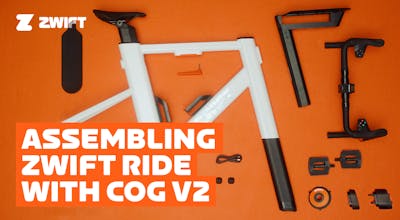
  • Assembling Your Zwift Ride
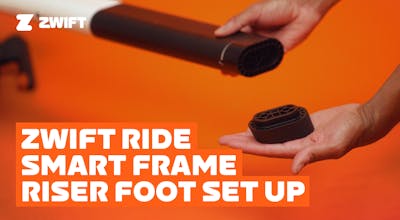
  • Zwift Ride Smart Frame Riser Foot Set Up
  • Bike Fit
  • Connecting and Updating
  • Tablet Holder Assembly

Zwifting with Your Bike on a Zwift Ready Trainer

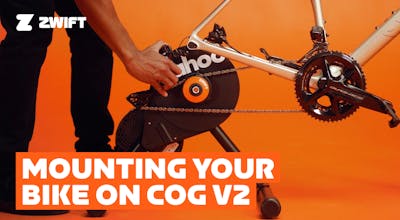
  • Mounting Your Bike On Cog V2
  • Installing Your Zwift Click
  • Replacing Your Zwift Click Battery

Zwifting with Zwift Cog

  • Setting Up Zwift Cog (No Freehub)
  • Setting Up Zwift Cog (Multi-Trainer Cog)
  • Installing Your Zwift Click
  • Replacing Your Zwift Click Battery

Get Started: Cycling

  • What you need to ride Zwift
    What You Need to Ride - Zwift
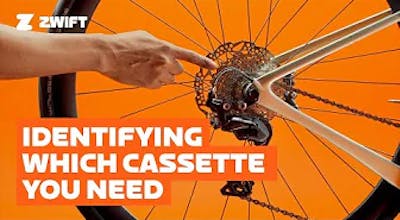
  • Choosing the Correct Cassette for Your Trainer
  • How to Mount a Bike on a Wheel-On Trainer
  • Pairing Your Devices – Bike
    How to Pair Your Devices to Zwift
  • Pair More Than Two Devices on AppleTV
    Pairing More Than Two Devices on AppleTV - Zwift
  • Calibrating Your Smart Trainer
    How to Calibrate Your Trainer for Indoor Cycling - Zwift

Get Started: Running

  • What You Need to Run
    What You Need to Run on Zwift
  • Pairing Your Devices - Run
    How to Pair Your Devices to Run on Zwift
  • Pair More Than Two Devices on AppleTV
    Pairing More Than Two Devices on AppleTV - Zwift

Get Zwifting

  • Interacting with Others on Zwift
  • Zwift Racing Cycling
    Zwift Racing
  • Cycling ERG Mode vs SIM Mode
    SIM vs ERG Mode on Zwift
  • Training Basics on Zwift
    Zwift Training Basics
  • Advanced Training on Zwift
    Advanced Training on Zwift

Setting Up Your Zwift Hub

  • Intro to Your Zwift Hub
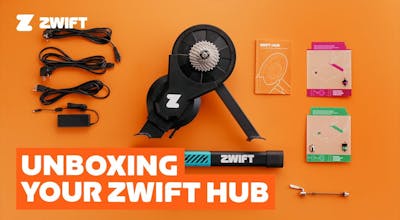
  • Unboxing Your Zwift Hub
    Unboxing Your Zwift Hub
  • Assembling Your Zwift Hub
    Assembling Your Zwift Hub
  • Mounting Your Bike on Zwift Hub
  • Updating Firmware and Pairing Your Zwift Hub
    Updating Firmware and Pairing Your Zwift Hub
  • Fixing a Loss of Connection on Zwift Hub
Zwift
Get Zwifting
Why Zwift
How Zwift Works
Running on Zwift
Highlights
This Season on Zwift
Zwift Racing
Zwift Events
Get Support
Cycling Support
Running Support
Account & Orders
How-To Videos
Forums
System Status
Contact Us
About Us
Careers
Partnership Opportunities
Newsroom
Blog
Diversity, Inclusion & Social Impact
DOWNLOAD ZWIFT
DOWNLOAD ZWIFT COMPANION
©2026 Zwift, Inc. All rights reserved.
Privacy Policy/Consumer Health Data Privacy Policy/Legal/Terms